Introducing Wanderland
I was at the Apple Store waiting for my Genius Bar appointment when I noticed a class happening on the big screen: Swift Playgrounds.

Swift Playgrounds is such a brilliant, underappreciated interactive environment. On the left side, you write code; on the right side, a live app updates reactively. Normally, you’d use this to design native iOS apps in Swift:
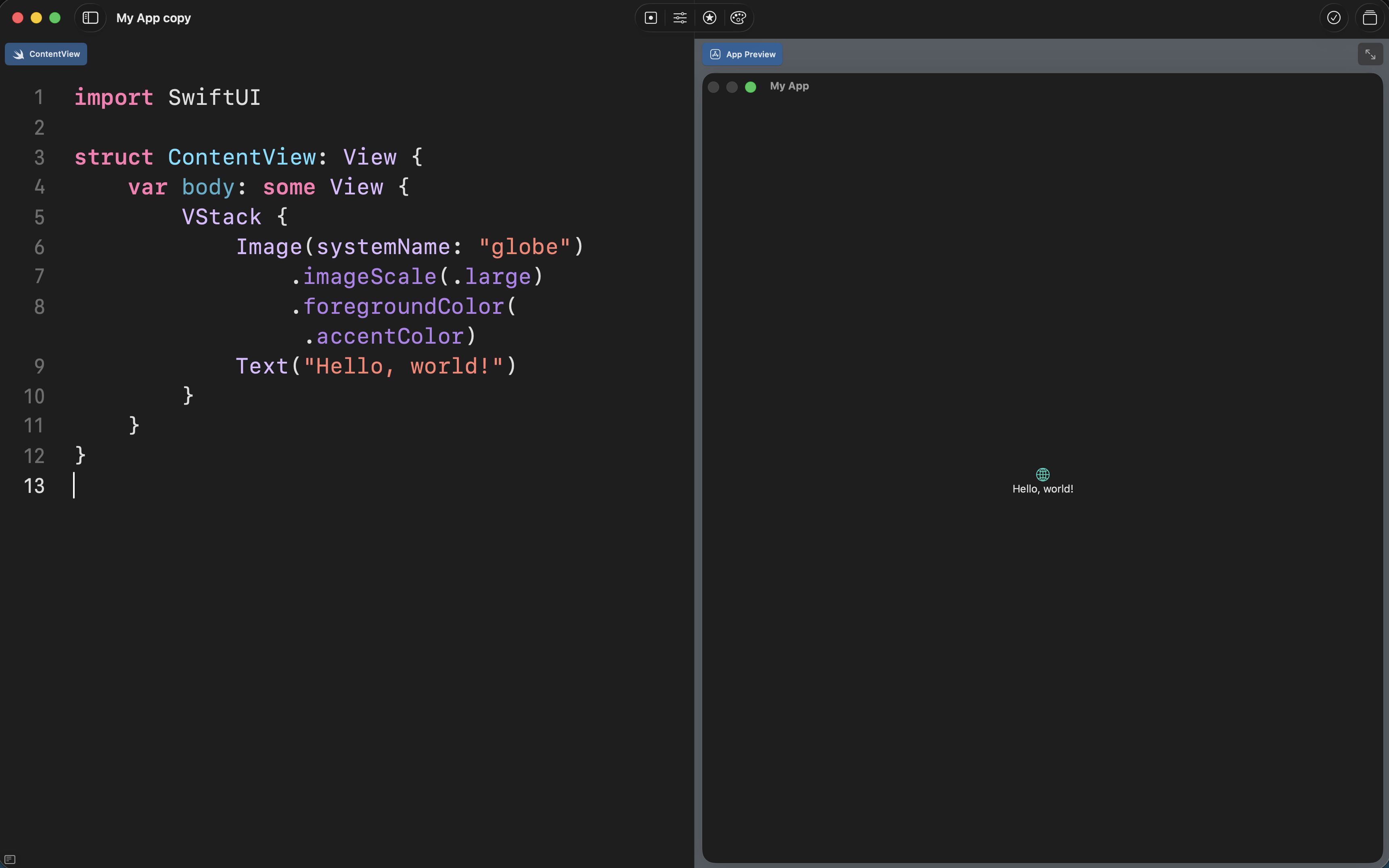
But they also have a special section for kids who are brand new to programming called Learn to Code, which is exactly what was being taught at the Apple Store that day.
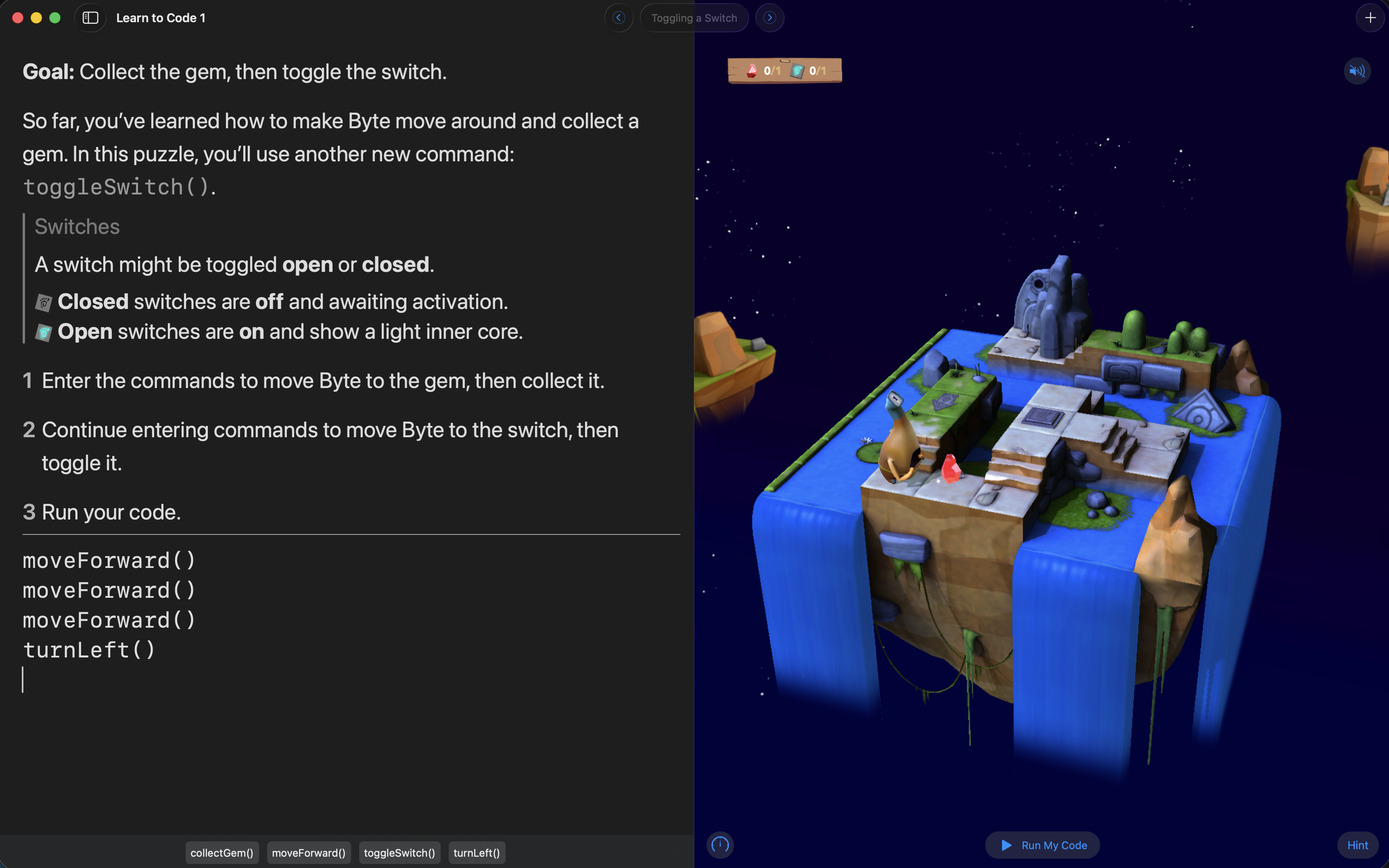
Watching it, it struck me: Python is the undisputed king of data science and AI, yet our beginner environments are often just stark text terminals. Where was the visual feedback? Where was the delight?
Some might ask: in the age of generative AI, where models can spit out scripts in seconds, does learning to code even matter anymore? My answer is a resounding YES!
AI is an incredible tool, but computational thinking—understanding logic, step-by-step execution, and how to break down complex problems—is a foundational human skill. The joy of commanding a machine and seeing it respond to your exact instructions will never be obsolete. We don’t need to stop teaching code; we just need better, more engaging ways to teach it.
I had been playing a lot with pywidget and anywidget lately, and the plan practically wrote itself: reproduce that same magical, interactive experience in Python, right inside a notebook.
Enter Wanderland
Wanderland is an interactive 3D coding playground built for Python notebooks. It allows you to define a world with its own landscape, objects, and rules. Users then write standard Python functions to navigate a character through that world and solve puzzles.
But every great playground needs a protagonist. Since I was building this primarily for marimo, I remembered that Vincent created an (unofficial) marimo mascot: Mo the Mossball.
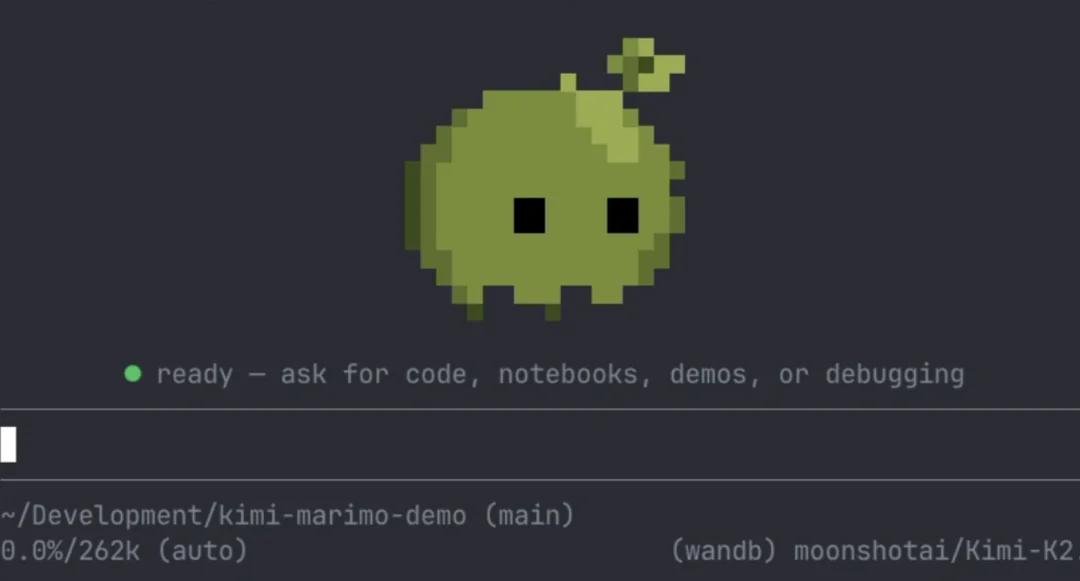
With the help of Nano Banana, I sketched out some character sheets. Then, I handed them over to Claude to bring Mo to life in 3D.
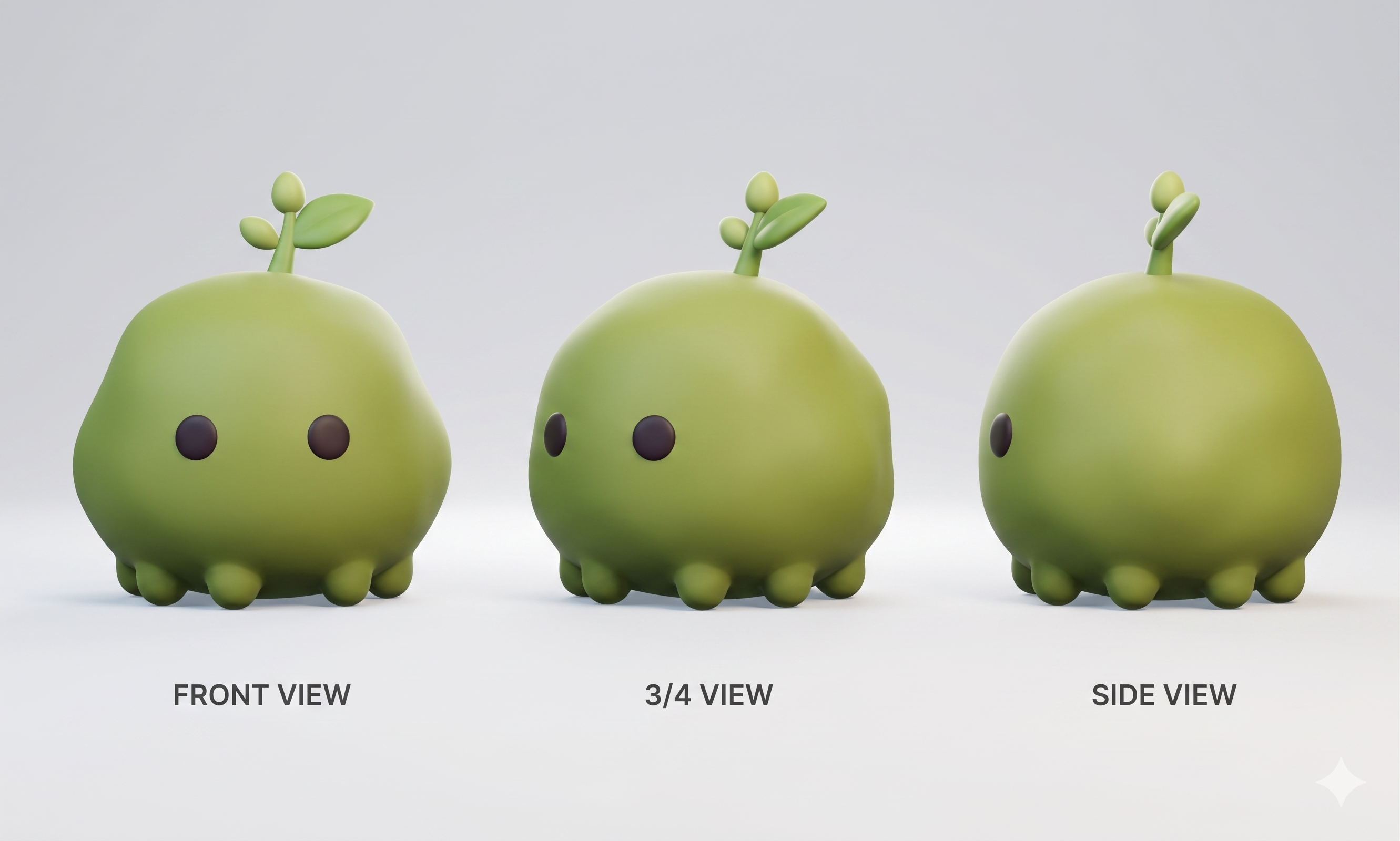
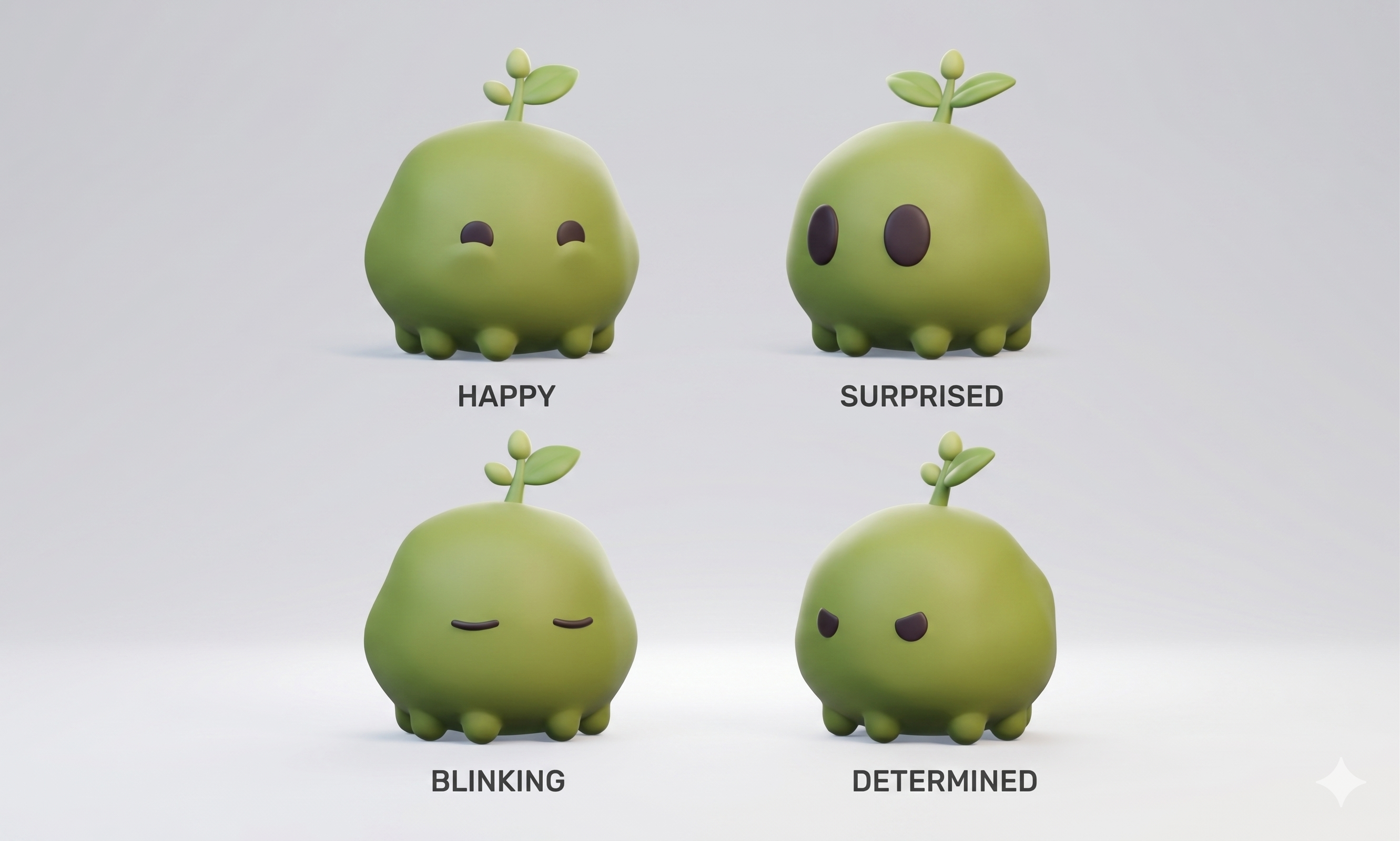
The result is a charming, fully playable educational environment that runs entirely in your browser. Take a look:
Writing your first program
Using Wanderland feels like playing a game. You write simple Python commands to control Mo, load them into the world, and watch the magic happen.
Let’s help Mo get his first gem:
import wanderland as mp
from wanderland import move_forward, turn_right, collect_gem

# Load a built-in puzzle
world = mp.World(mp.puzzles.gem_path())

# Write your solution
def solution():
    move_forward()
    move_forward()
    collect_gem()

# Hand the program to the widget
world.load(solution)
world
Once the cell runs, just press the ▶ Run My Code button right inside the 3D widget to watch Mo execute your commands step-by-step!
The “Aha!” Moment: Building your own worlds
I wanted to make this a superpower for educators. Designing new levels and assignments shouldn’t require a degree in game design—it should be as easy as typing a text message.
With Wanderland, you can sketch out entire 3D puzzles using simple ASCII text strings:
level_design = """
> . # .
. . Ly .
Ky . # O
"""

# >  = Start position (facing East)
# .  = Floor
# #  = Wall
# Ly = Locked Yellow Door
# Ky = Yellow Key
# O  = Goal

puzzle = mp.from_ascii(
    "Locked Room",
    level_design,
    actions=("move_forward", "turn_right", "pickup", "toggle")
)

world = mp.World(puzzle)
Just like that, you’ve created a fully playable 3D level with walls, a locked door, a key, and a goal ring.
Try it out today
Wanderland is available on PyPI right now. The published package ships with the prebuilt 3D frontend, meaning no Node.js is required. It works seamlessly in any notebook that supports anywidget (marimo, Jupyter, VS Code).
pip install wanderland
Check out the source code, full documentation, and more examples on the Wanderland GitHub repository.
I have huge plans for this library—ranging from expanding its coding education features to turning it into a lightweight simulator for Reinforcement Learning (RL) researchers.
Give it a spin, and let me know what you build!
Jupyter Newsletter
Get detailed extension reviews and updates on the Jupyter ecosystem.
After signing up, Buttondown may send a confirmation email to verify your address.
