JupyterCon 2025 Reflections
Another JupyterCon is in the books!
I have been a part of this community for the last 7 years, starting as a user, then building on top of Jupyter OSS projects and API and finally starting to contribute back to the core projects. I am really grateful for all the people I met along the way 🙏 This post is a reflection on my experience.
Extension Development Tutorial
One of the main ways I have always participated in the community is through JupyterLab extensions. This is what makes JupyterLab a next step after Notebook – an extensible architecture starting in the core itself (JupyterLab is built as a collection of extensions) and extending outward to allow exploring new ideas (collaboration, AI) and enhancing UX millions of users can rely on (git, LaTeX, ipywidgets). As an extension author, contributor and maintainer, I’ve seen an explosion of AI-related ideas in Jupyter space. To better highlight the changes happening in the ecosystem, I built a community extension marketplace labextensions.dev, which surfaces the most important signals (categories, downloads, GitHub stars) to both users and developers.
So, naturally, when the JupyterCon CFP opened, I submitted a workshop proposal combining the things I am most interested in: mentoring new generation of contributors and exploring AI coding tools in the ways they can be helpful (or not). Turns out, there were 3 more very similar workshops, so we combined forces with Rosio Reyes, Jason Grout and Matt Fisher and put together a full day tutorial! It was my first ever workshop I organized and I dove head first. It was no small feat, but our amazing team made it possible. I would also like to thank Lahari Chowtoori for providing AWS Bedrock credits for the participants, so they can use Claude Code; and Zach Sailer for agreeing to do a demo of Jupyter AI in action.
But when conference day rolled around, we were ready with a repo and a website complete with all the steps. It is fully open source (MIT license) and will be available to the community for the time being. You can find the tutorial materials here: jupytercon.github.io/jupytercon2025-developingextensions.
And I’m also happy to report that the entire session was recorded and uploaded to YouTube
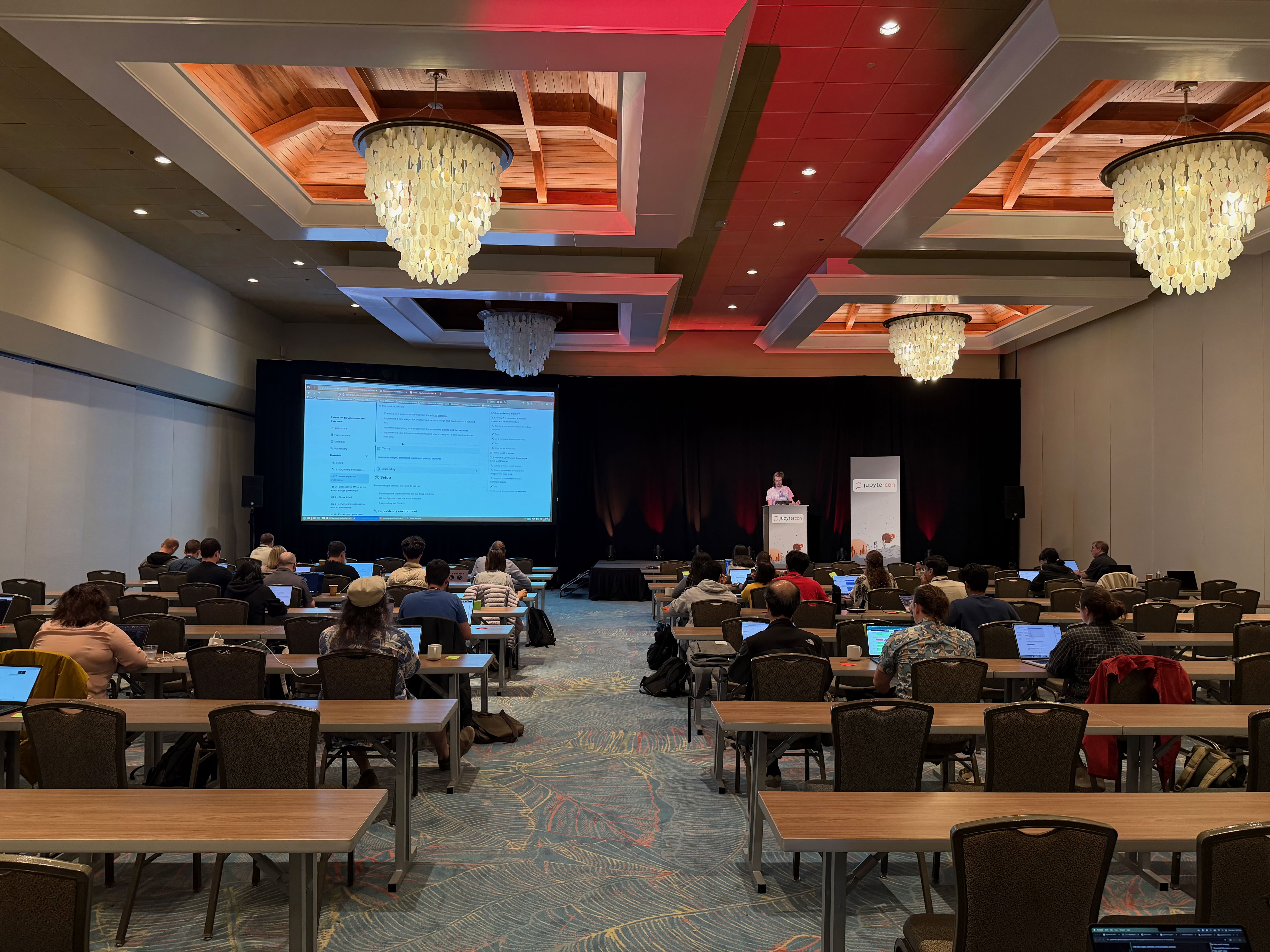 Anatomy of the extension
The day went in a flash, but when it was all said and done we were able to see the impact clearly:
- Participants were able to follow our instructions: we’ve seen 30 repos created during the tutorial
- Participants enjoyed their experience and it felt empowering: in our DMs and public posts
- Some participants (especially on Windows) struggled with the environment installation steps. Extensions are using somewhat complex stack (Python, nodejs) and tools like
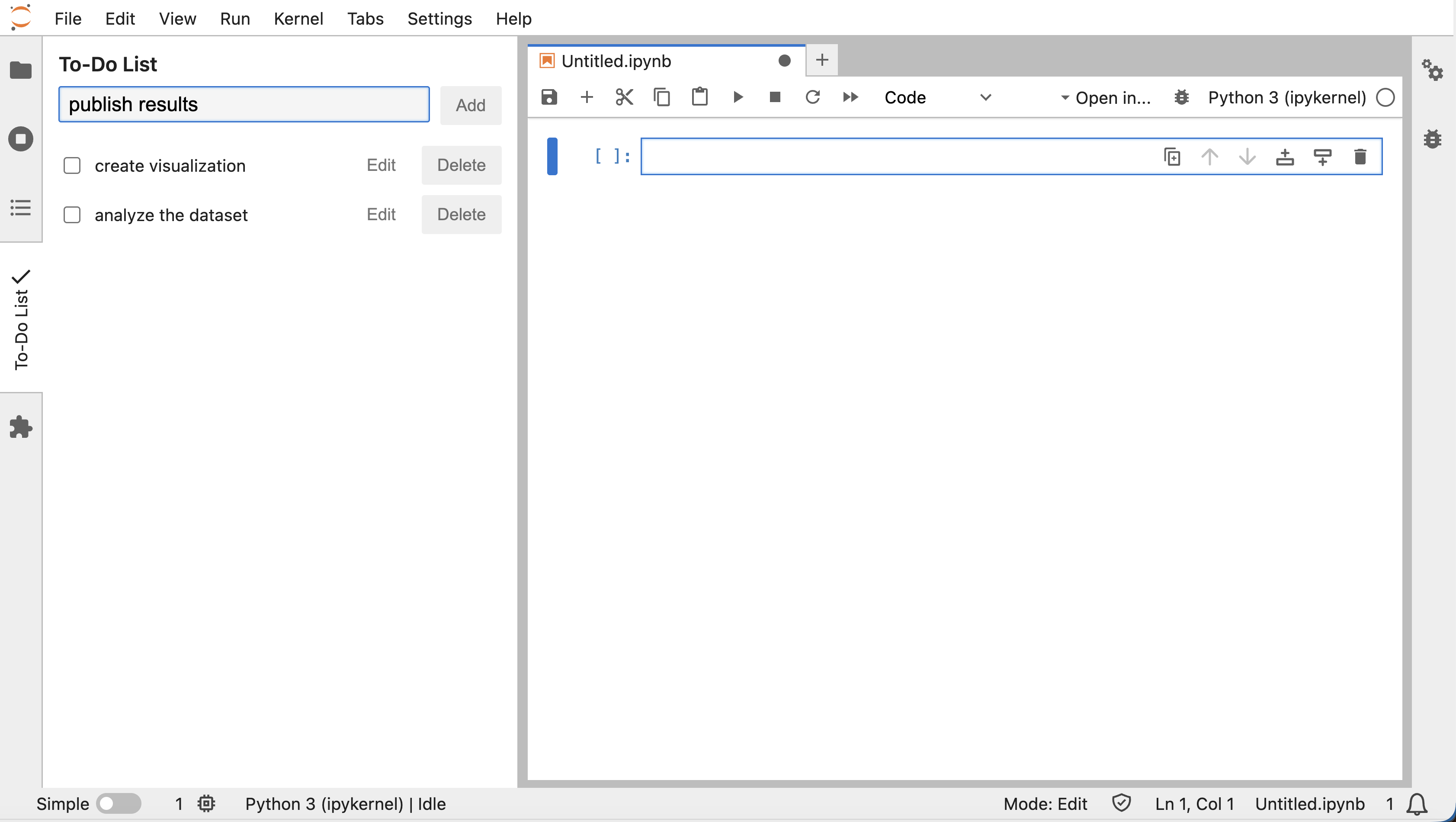
gitorgh-cliwere hard to get working. I would strongly consider creating a cloud-hosted backup option (i.e. GitHub Codespaces) to allow participants to have a ready-to-go environment if their local one is impossible to set up. - Despite the difficulties, at least one of the attendees (Lingtao Xie @ Esri) has since created a brand new JupyterLab extension, jupyterlab-todo-list! After the conference she mentioned that she enjoyed the workshop and invited feedback on the extension as she keeps learning React and TypeScript — exactly the kind of follow‑through and openness that makes this community so fun to work with.
- We might also have made the wrong assumptions about the number of participants and their interests. This is because we had very limited data on the workshop participants from the conference organizers. Turns out, pre-registration for a particular workshop was not required, only for the workshop day. Additionally, badges were not scanned at the entrance to the room, so we have limited ways of knowing who attended the session. I hope this will be addressed by the Jupyter/Linux Foundation when planning the next JupyterCon!
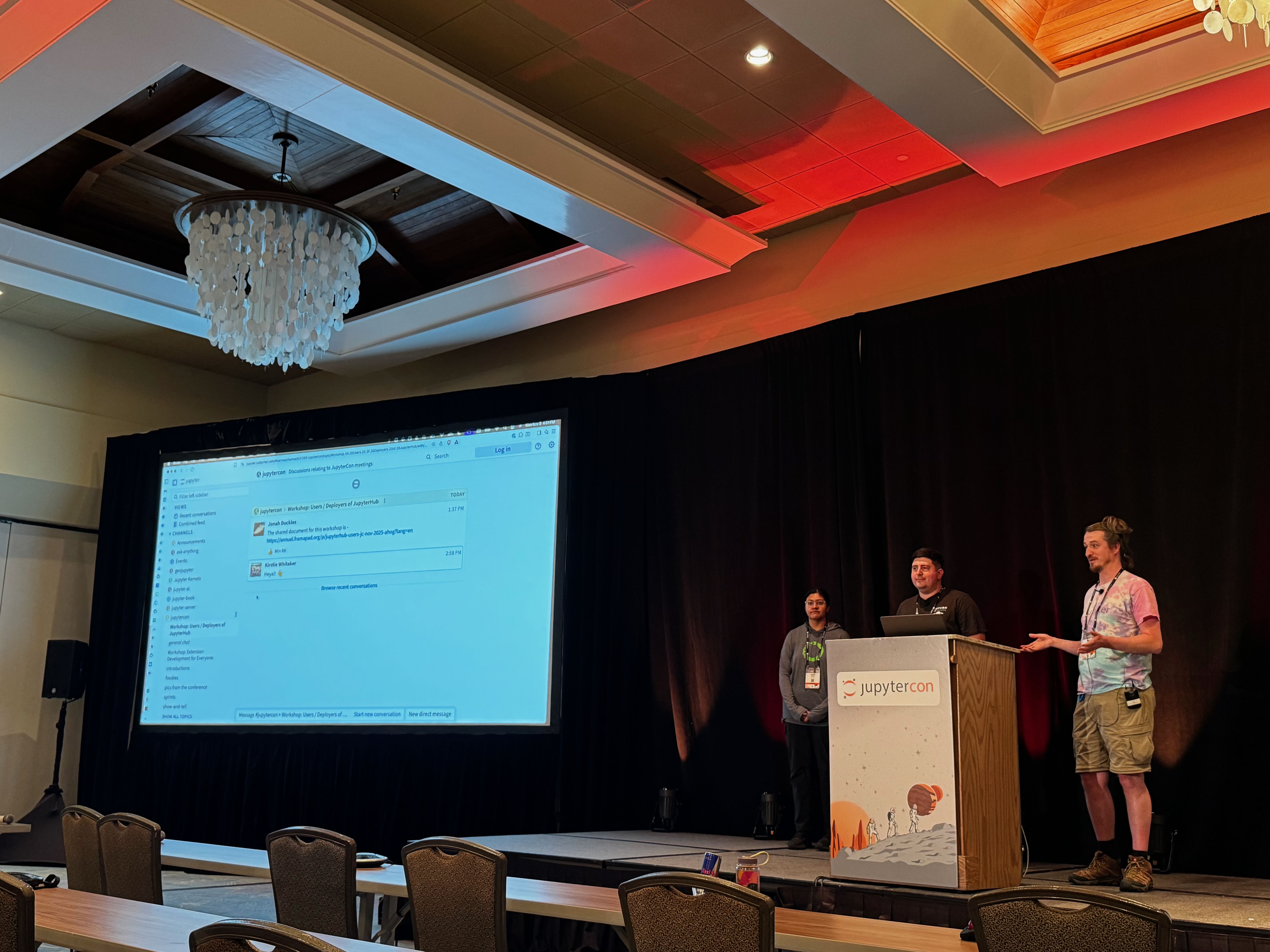 Wrap up of the tutorial
Overall, I had a great time teaching people and troubleshooting with them as a TA. Most importantly, we laid a strong foundation for the next tutorials as we created a strong written guide alongside the presentation.
JupyterHub satellites
This is a talk I wanted to present for quite some time. I had a chance to do a brief intro to Notebooks Hub’s approach to running non-notebook applications at the previous JupyterCon, but the opportunity to present this in full detail came only after I departed the team. I am grateful to Axle for the opportunity to still present this material, especially, because the topic found such strong interest in the community.
Initially, I was planning to organize a Birds-of-a-Feather (BoF) session with JupyterHub deployers, but it ended up being a talk. As it turned out, Yuvi Panda @ 2i2c was giving his own perspective (Not Just Notebooks) on running applications, and his talk really echoed mine.
“JupyterHub satellites” as I call them, are really just applications other than Jupyter Notebook/Lab (RStudio, VSCode, Streamlit) orchestrated by JupyterHub. Even though the community had tools and recipes for a long time now, our approach was a little different, as we relied on standalone proxy (jhsingle_native_proxy) and standardized Docker containers. Both my and Yuvi’s talk highlighted the need to update documentation and centralize the existing recipes (scripts, Docker images) to unlock even more satellites (i.e. Marimo, Dyad, Positron, etc) by the community efforts.
Recent updates to Jupyter Server proxy adding standalone mode, finally allowed for both standalone and integrated experiences in JupyterHub with a unified codebase under an official Jupyter repo. Since jhsingle_native_proxy was not actively maintained, it provides an off-ramp for existing users to join the community effort.
After my talk, I heard from JupyterHub users who are interested in collaborating on open-sourcing the recipes for wrapping dashboards in Docker containers. I hope to meet them at the Hub Dash on December 2-3.
To wrap up, I would like to thank Yuvi Panda and Chris Holdgraf @ 2i2c for productive conversations on the topic before and after this talk!
Favorite talks
Even though I spent a lot of time at the Anaconda booth and in hallway conversations, I still managed to sneak out for a few talks that really stuck with me.
Incredibly inspiring Very useful practical advice for breaking into OSS contributions Do not compare F1 car and SUV; Jupyter is not an IDEFirst conference as Anacondiac
This was my first conference as a OSS Jupyter developer working at Anaconda.

We had a strong showing this year with talks across multiple tracks, sponsored talk at the Demo Theater and a delightful booth where I got a chance to meet so many of our users!
Demo: Usage Patterns in the Jupyter Ecosystem (Jack Evans, Anaconda)
One of the most thought‑provoking sessions for me was Jack’s demo based on internal telemetry about how people actually use Jupyter. One stat that really stuck with me: based on Anaconda’s data, around 79% of users still prefer the classic Notebook interface over JupyterLab, which is a humbling reminder to keep investing in Notebook UX even as we push the ecosystem forward.
You can dig into the full deck here:
Lightning Talk: What’s New in Jupyter Frontends (Jeremy Tuloup, QuantStack & Rosio Reyes, Anaconda)
This was a fast but very dense overview of what’s landing across JupyterLab and the classic Notebook experience. As someone who works on extensions, it was great to see how improvements in the Lab frontend keep flowing back into the “plain notebook” UX that so many users still rely on.
The Lifecycle of a Jupyter Environment: From Exploration To Production‑Grade Pipelines (Dawn Wages, Anaconda)
Dawn’s talk did a great job walking through the journey from an exploratory notebook to a maintainable ETL pipeline, with practical tooling like Papermill, nbconvert and PyScript/Voila/Panel in the mix. I especially appreciated the emphasis on planning for production from the start instead of treating “pipeline-izing” as an afterthought.
Runtime Agents: Unleashing Event Sourced Collaboration for Jupyter (Kyle Kelley, Anaconda)
Kyle made a strong case for “moving notebooks to the server side” so that state lives independently of the browser tab. I loved seeing concrete demos of long‑running, resilient sessions and collaborative editing that felt much closer to how people actually work with notebooks day‑to‑day.
Conversations at the booth
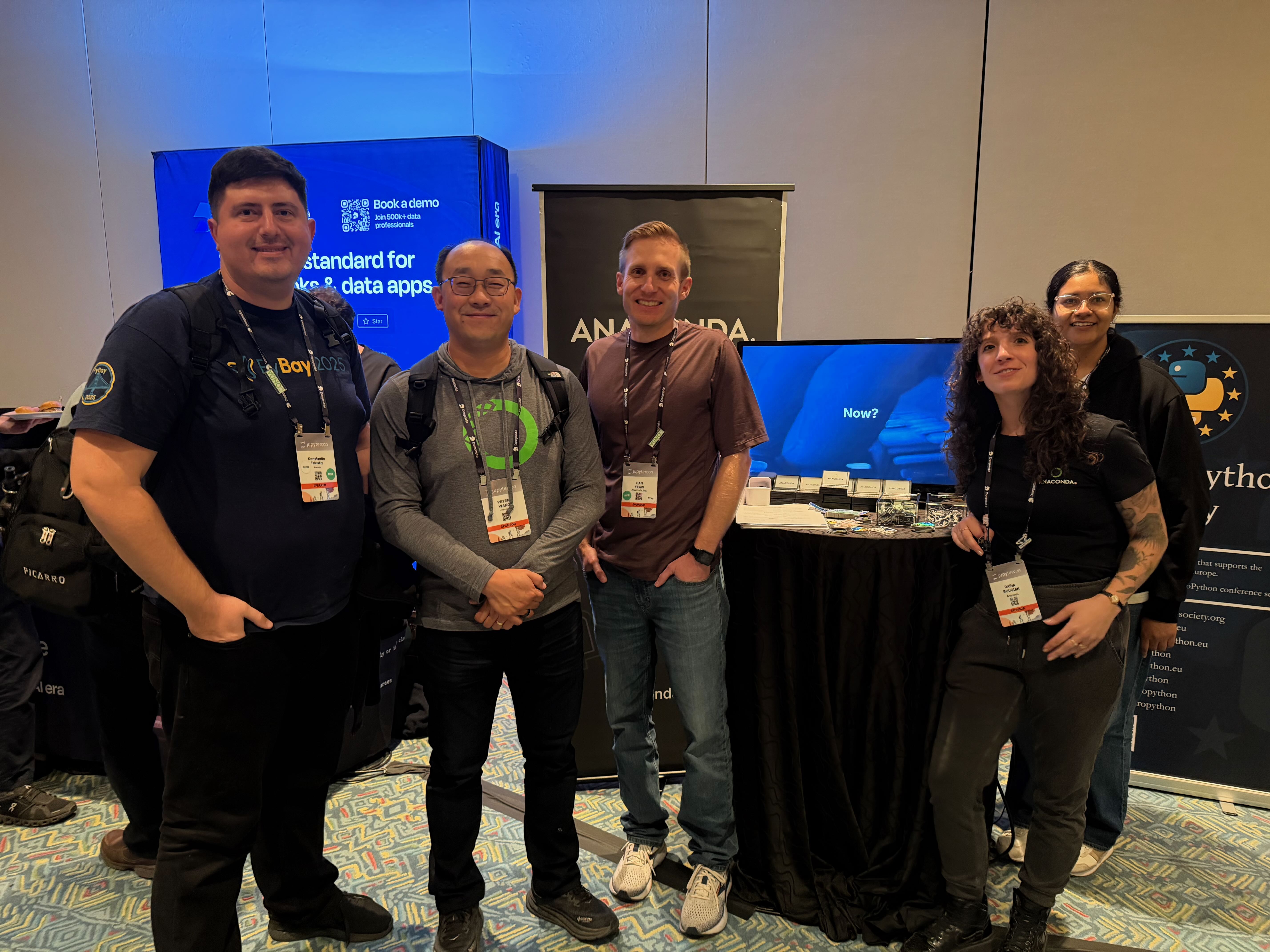 Anaconda crew at the booth. Left to right: myself, Peter Wang, Dan Yeaw, Daina Bouquin, Rosio Reyes
Since conference was well attended by the local students (kudos to JupyterCon!), the topic of job searching advice came up a lot. As someone who mentored and interviewed engineers throughout my career, I highlighted the importance of pursuing personal projects and open source contributions. It really is such a powerful signal to hiring managers being able to see your ideas, contributions and code style in the open. I shared my favorite personal anecdote on how a very well crafted Colab notebook helped me get my first job after grad school. Below are some reflections of the students.
- Fariha Sheikh’s reflections 👉 View this post on LinkedIn
- Gor Abaghyan’s experience. At the booth and later at Sprints, we talked through his PokéAgent Challenge setup and I suggested Docker as a way to both debug and pick up a tool that would pay off later; after the conference he messaged that he’d built the
mgbabindings from source, had the ReAct agent running, and completed about 30% of the run, describing it as a really great experience.
Exploring the city and connecting to fellow Anacondiacs
As we wrapped each day, the Anaconda team would pack into local restaurant and invite fellow Jovians for a dinner and conversation about Jupyter, Python and Open Source.
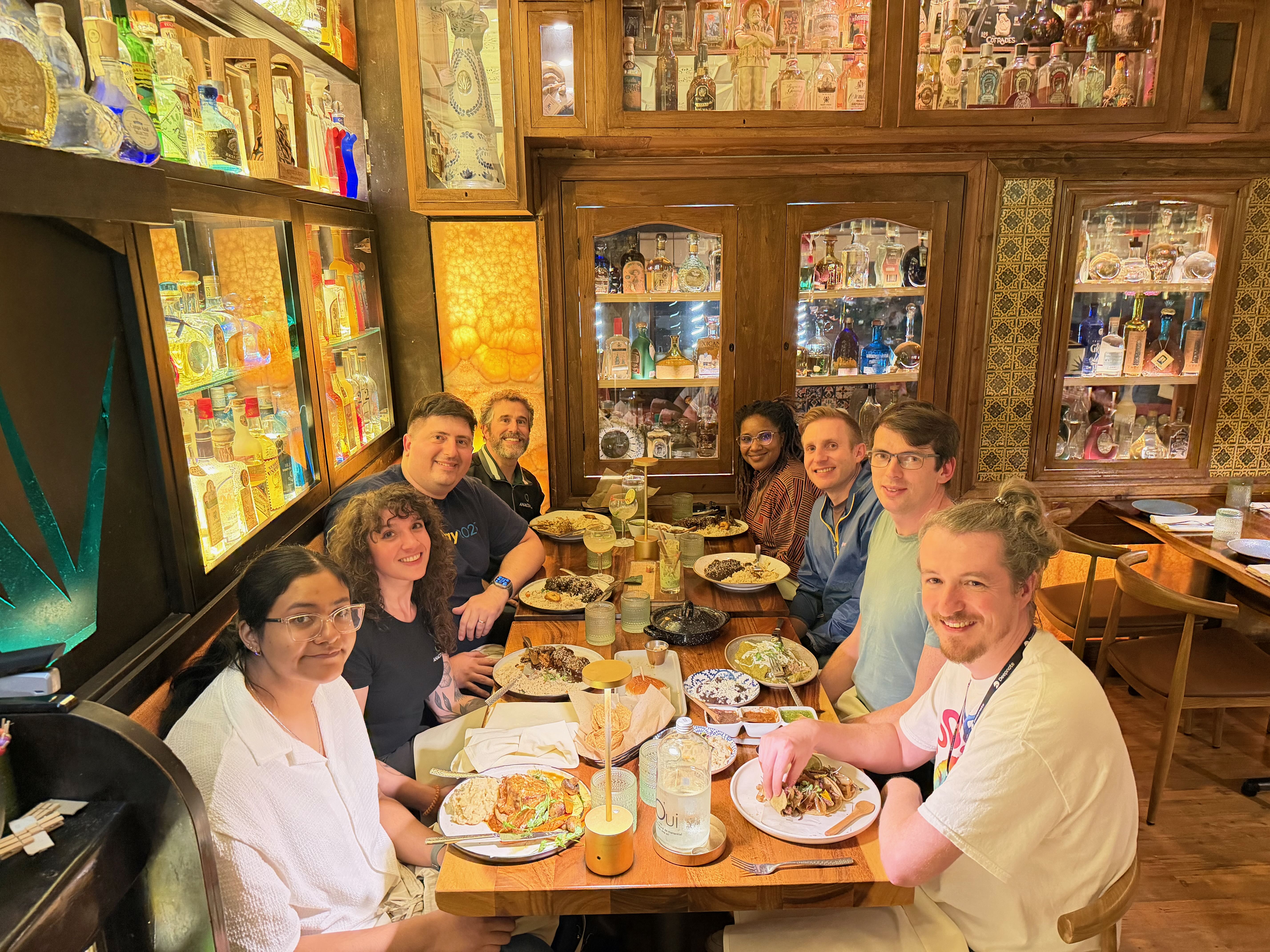 El Agave dinner: A memorable night of with great food and amazing people from the Jupyter community.
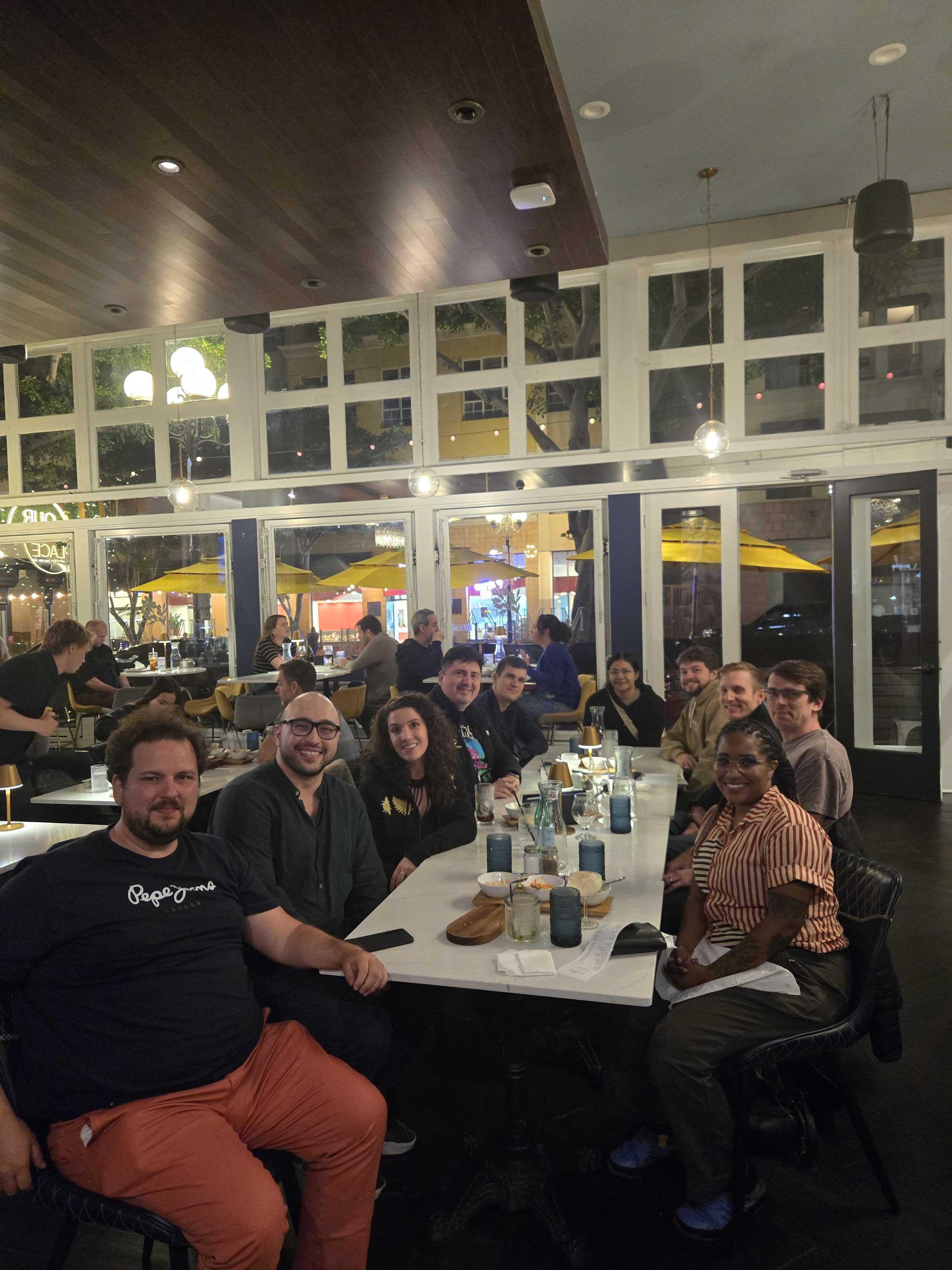 Dinner with the Deepnote team. Photo credit: Dawn Wages
Venue and city
Set in beautiful San Diego, this was a great place to be in the beginning of the November. Paradise Point resort did a great job creating such a welcoming experience. Continuing on JupyterCon 2023 success, this year’s catering was perfect. Not only they provided breakfast and lunch, but the variety of snacks and desserts like no other conference!
 Photo credit: Dawn Wages
 Paradise Point Resort beach at night – the end of a perfect JupyterCon day
 Lights and decorations at Paradise Point Resort
 Flowers at Paradise Point Resort
 San Diego Gaslamp District
 Ghirardelli store in Gaslamp district
After wrapping up the conference, I spent some quality time exploring San Diego with my family. The San Diego Zoo was a favorite, with its lush landscapes, panda exhibit, and countless other animal encounters.
 San Diego Zoo was a big highlight for the family!
 The panda exhibit was my daughter’s favorite
We also managed to visit Legoland, making the trip a perfect mix of work and play!
 We topped off the trip with a visit to Legoland!
Sprint Day
The energy from the conference carried right into Sprint Day. Kirstie Whitaker and Zach Sailer kicked off the Sprints by opening the floor to anyone who had an idea on what to work together. One-by-one participants lined up to explain their ideas in 30 seconds. The diversity of topics was remarkable, spanning from infrastructure challenges like Kubernetes directory management and JupyterHub cost optimization, to emerging AI integrations including browser-based AI and Jupyter AI coordination. Others focused on improving the documentation and publishing ecosystem with MyST and JupyterBook enhancements, while several participants tackled developer experience improvements from package audits to Git workflows. What struck me was the balance between technical infrastructure work and efforts to make Jupyter more accessible – WYSIWYG editors, better documentation, and collecting user stories to understand pain points. This breadth really showcased how the Jupyter ecosystem continues to evolve in multiple directions simultaneously, driven by the diverse needs of its community.
Tackling File Browser UX Challenges
During the sprints, Andrew Thornton from Maxar raised an issue that resonated with many in the room: accidental drag-and-drop operations in JupyterLab can trigger large file copies with no visual feedback, no progress indicators, and no way to cancel them. His users were experiencing disk space issues and frozen servers from these unintentional operations.
This sparked a productive discussion where Taran Rorem shared that he had already solved this issue with a custom extension that wraps the file browser’s rename and move methods. He generously shared his approach using the IFileBrowserFactory interface, demonstrating how a relatively simple plugin could intercept these operations and add the missing feedback layer. We created a Zulip topic to continue tracking this issue and coordinate solutions.
This conversation opened up a broader examination of file operations UX in JupyterLab. Through discussions with various users and my own analysis of issues and PRs, I identified several critical gaps:
- No cancellation for uploads: Users accidentally uploading large files have no choice but to wait or kill the server
- Missing progress indicators: File copies and moves happen silently, leaving users uncertain if operations are running or complete
- No operation queue visibility: When handling multiple file operations, users can only see one progress bar at a time
- Risk of data corruption: Users may shut down servers thinking operations are complete when they’re still in progress
These are some rough edges causing daily frustrations for users working with large datasets, remote servers, or production workflows. I compiled these user stories and began prototyping solutions, which I later presented at the Jupyter Open Studio Day at Bloomberg (more on that in a future post).
Jupyter AI v3 and Personas
As we started working in groups, Jupyter AI took the stage to run through the setup and development of Personas for upcoming Jupyter AI v3. This topic was so popular that it captivated the room that morning, with multiple people (including myself) circling the stage with their chairs, laptops going full speed.
I helped to start a Zulip thread documenting the setup steps. While, still in their early days, the Persona approach is a very powerful concept, deliberately steering away from the currently popular “agent” approach of 2025, and combining traits of AI models and tools under one umbrella. If you want to learn more about the philosophy of Jupyter’s approach to AI, watch an interview with Brian Granger on his vision for Jupyter, AI, and collaboration between humans and machines at TheNewStack.
How does one create a Jupyter AI Persona? Turns out, it is very simple. You just need to write a Python class inheriting from the BasePersona, which overrides metadata PersonaDefaults (so that your Persona has its own name) and process_message which receives the input Message and sends it back to the chat self.send_message.
With this simple API comes a great power and a great responsibility.
Power comes from not being tied to a particular AI framework (i.e. LangChain in JupyterLab AI v1 and v2). You can readily grab a simple SDK usage example from a provider’s docs and add it to your Persona. Boom – you’ve got yourself a support of a new provider in Jupyter AI. After seeing the demos, I immediately wanted to experiment with Cerebras AI, which enables very fast inference at 1000-2000 tokens/s.
To explore the possible issues with a new API, I created a silly “hacker” persona that immediately deletes all .ipynb files in the directory when mentioned. Sadly, it just worked, so the community needs to figure out our approach to this issue – either enabling guardrails or building a trusted ecosystem of personas (after all users are always responsible for what they install with pip intall, this is no different).
Community Collaboration in Action
What struck me most about Sprint Day was how quickly the community rallied around these seemingly “small” UX issues that have big impacts on daily productivity. Within hours, we had identified the problems, shared existing solutions, created tracking issues, and started planning implementations. This is the Jupyter community at its best – practitioners identifying real problems and immediately working together toward solutions.
Community
Throughout the conference, I had a great time talking with members of Jupyter community, in particular our tutorial working group and Community Building Working Group Members, which (not surprisingly!) have a big intersection.
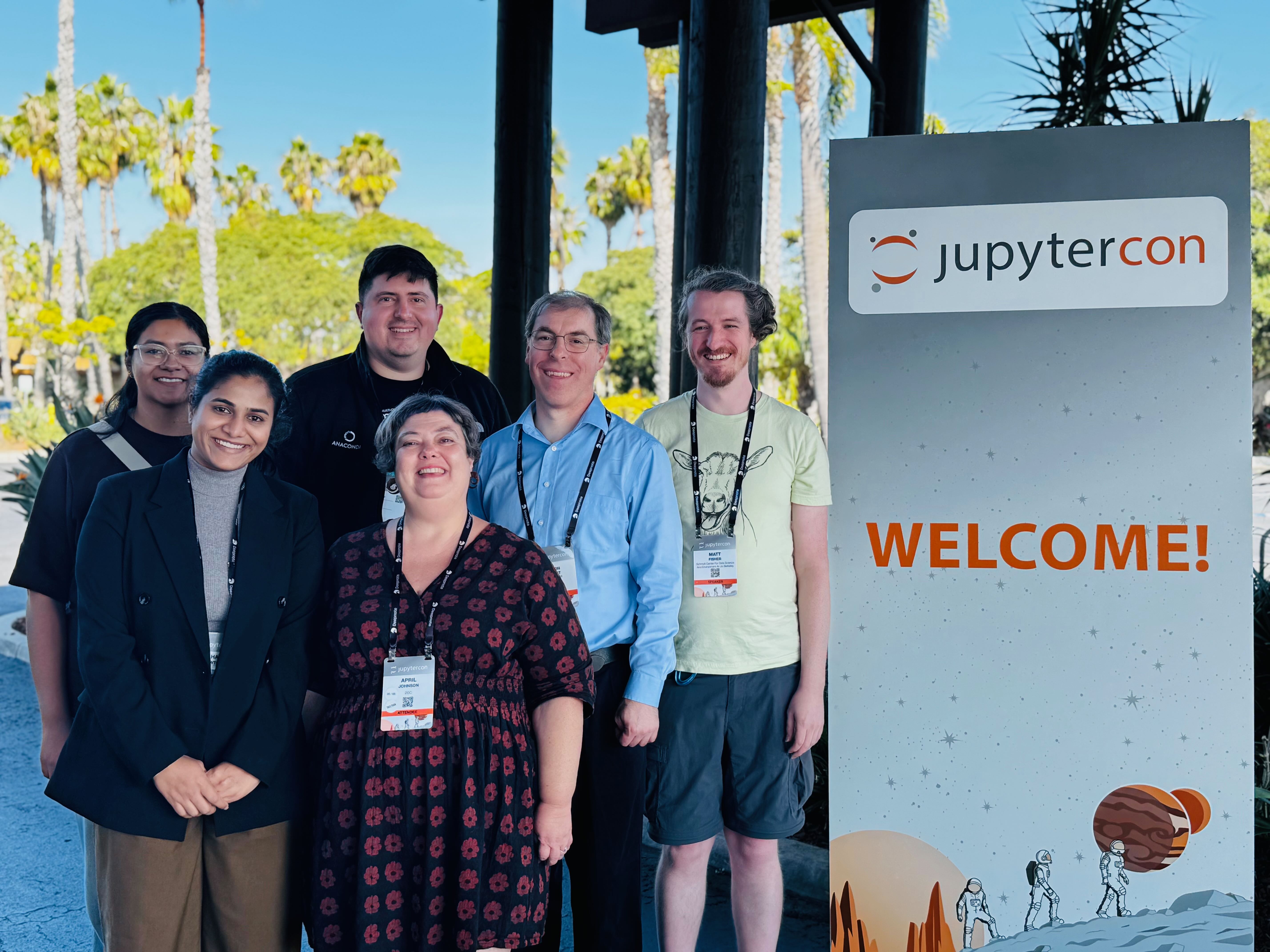
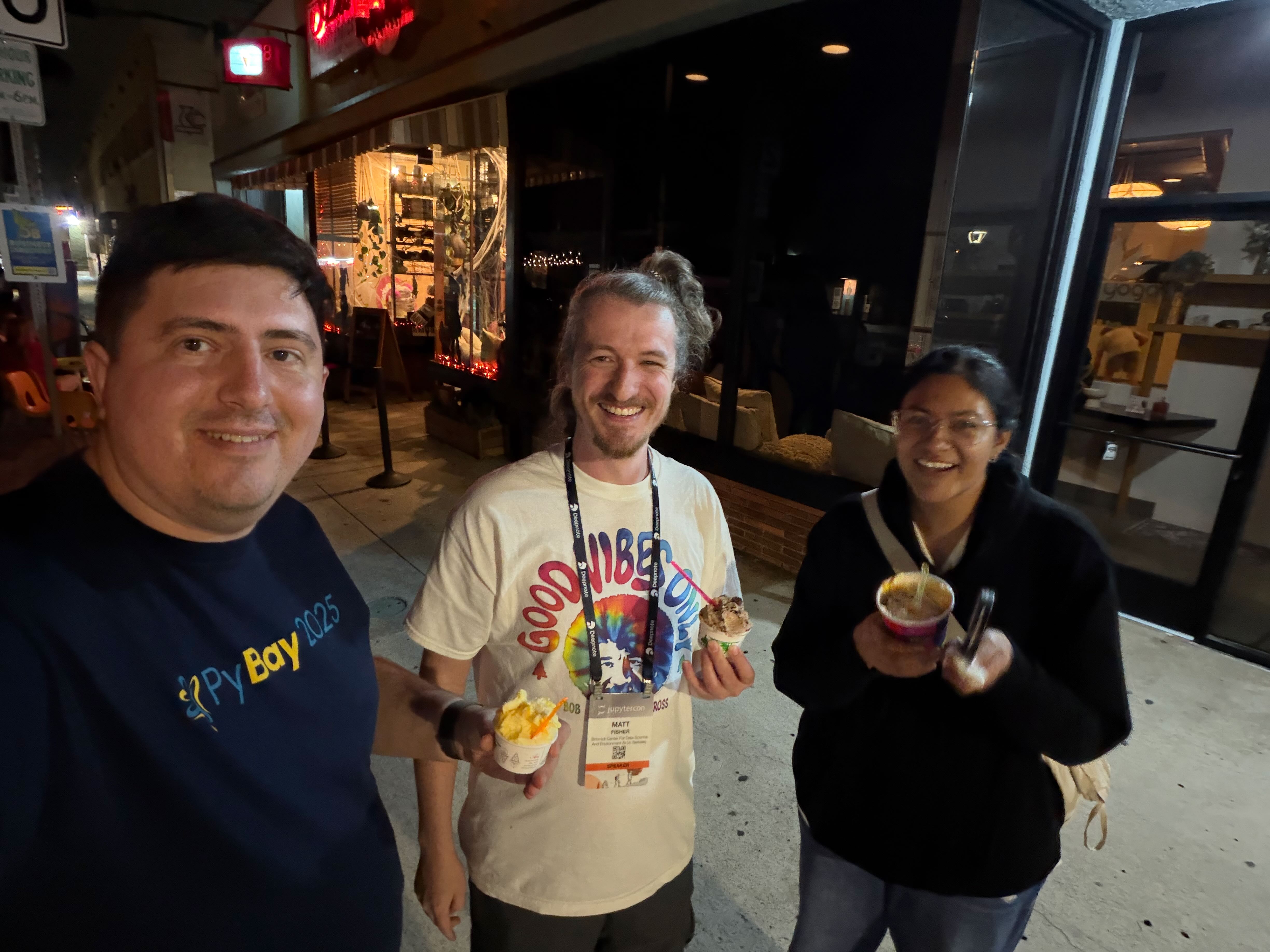 Decompressing after our workshop with Rosio Reyes and Matt Fisher at An’s Electornics Repair ice cream shop. Not a real repair shop, but features menu items on a CRTs!
It was so awesome to meet the people whom I regularly see on my screen, in GitHub issues, in Zoom calls!
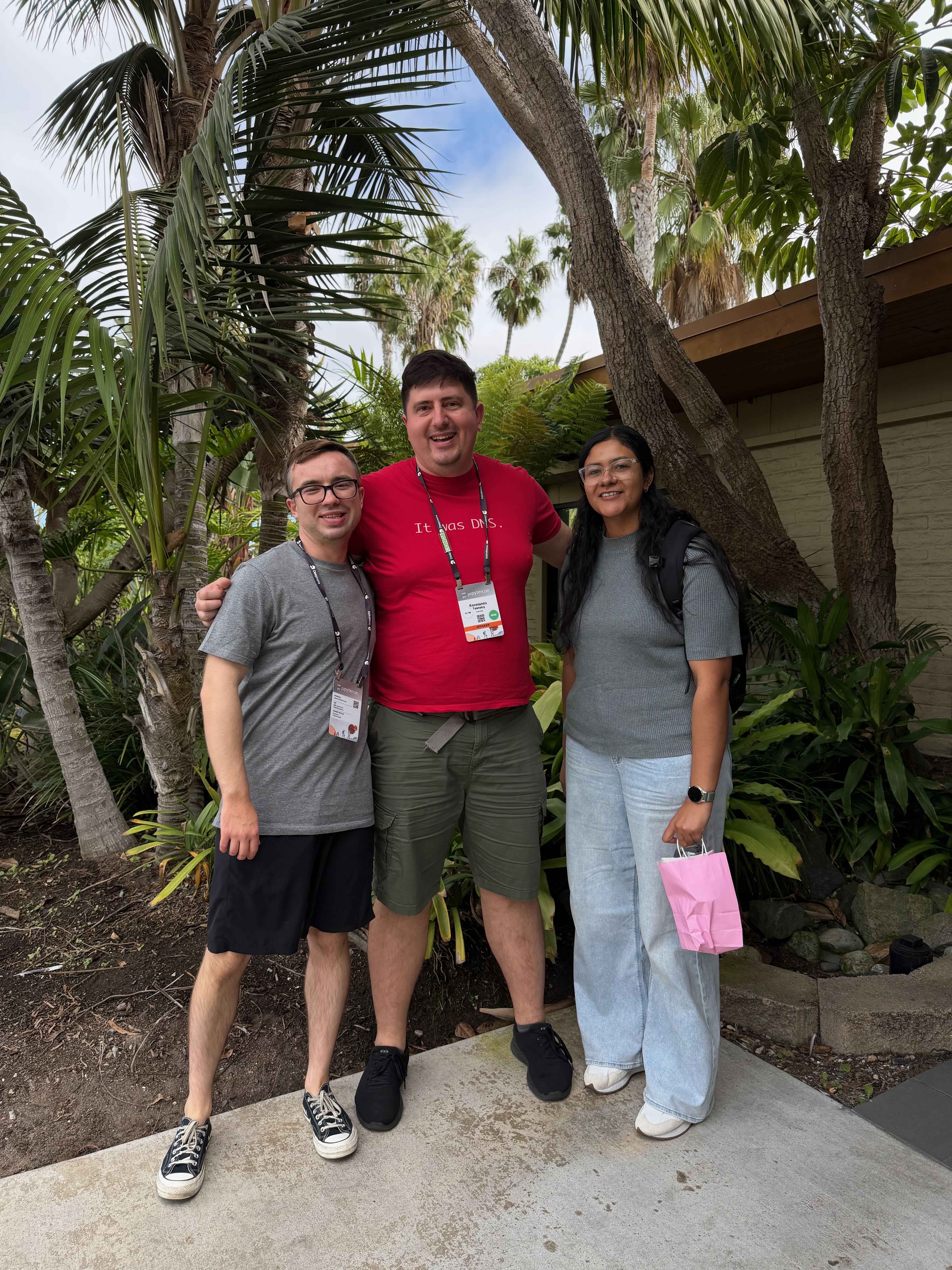
And of course, it was such a privilege to shake hands and talk to the Project Jupyter leaders and creators: Fernando Pérez, Brian Granger, Min Ragan-Kelley and many others.
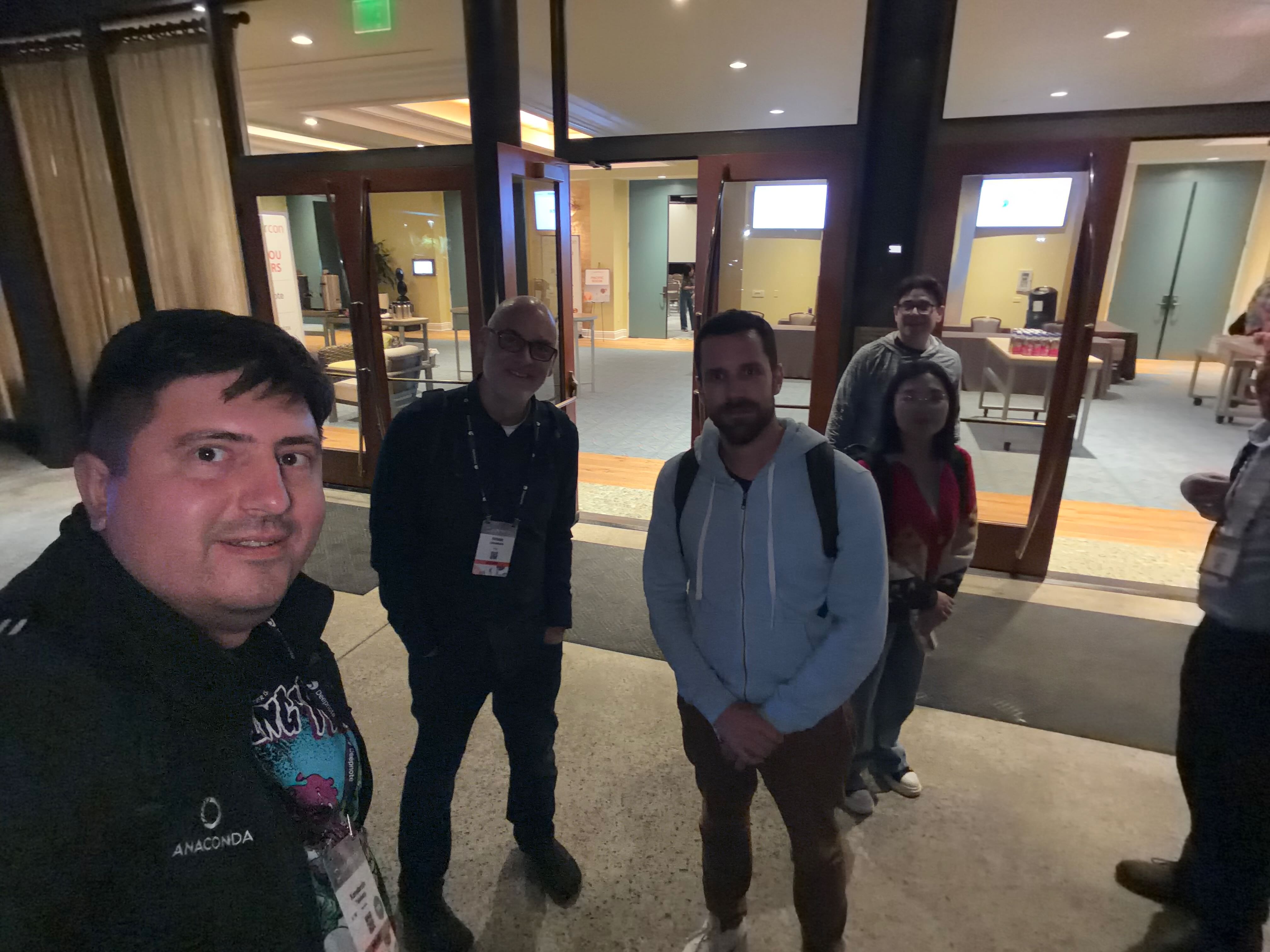 At JupyterCon with Brian Granger, Sylvain Corlay and Jason Weill in the back
